Pick Confluence
If your teams live in Jira and need a mature enterprise wiki. Deep page trees, space-level permissions, and Atlassian integrations are its home turf.
Confluence organizes the enterprise wiki. Notion makes the workspace delightful. GraphStaff asks a different question: what answer do your customers and their AI actually get?
If your teams live in Jira and need a mature enterprise wiki. Deep page trees, space-level permissions, and Atlassian integrations are its home turf.
If you want one flexible workspace to write, plan, and organize. Blocks, databases, and delightful editing make internal knowledge easy to build.
If what you care about is the answer itself. One governed knowledge graph, permissions on every plan, and the same trusted answer for every reader, AI agent, and AI.
| Question | Confluence | Notion | GraphStaff |
|---|---|---|---|
| What it is | An enterprise team wiki tied to Jira and the Atlassian suite, built for internal documentation. | A flexible all-in-one workspace where docs, wikis, and databases live together and anyone can edit. | A knowledge platform where docs, knowledge hubs, and AI answers come from one governed graph. |
| Who gets which answer | Space and page permissions for logged-in members. A public knowledge base needs an add-on, and it is not built for per-reader customer access. | Granular member permissions inside the workspace. Published pages go fully public, with no per-reader authentication on public content. | Password, JWT, and OIDC with reader groups on every plan. The same rules govern pages, search, Ask AI, and MCP. |
| How answers are found | Wiki search plus Atlassian Intelligence and Rovo, scoped to Atlassian content and licensed seats. | Workspace search plus Notion AI, answering from pages the signed-in member can already see. | Graph retrieval. Connected pages, concepts, and policies are assembled into cited, traceable context before the model answers. |
| What AI agents get | Content reaches AI through Atlassian's own assistants. There is no open llms.txt or per-reader MCP surface for an outside AI agent. | A public API and a Notion MCP server, scoped to what the connected account can access. | The same surfaces, with reader permissions enforced inside every one. An AI agent sees only what its reader may see. |
| Pricing shape | Per-user pricing across Free, Standard, Premium, and Enterprise tiers, billed monthly or annually. | Per-user pricing across Free, Plus, Business, and Enterprise, with Notion AI billed per member. | $500 per month. One plan, everything included. No per-user fees, no credits, no add-ons. |
Competitor details checked July 2026 against public pricing and documentation pages.
Permissions live in the graph, so the website, search, Ask AI, and MCP all give the same governed answer.
Retrieval walks connected pages, concepts, and policies instead of guessing from fragments, and cites where the answer lives.
Authentication is not an enterprise upgrade and AI is not a credit meter. Everything on this page is included.
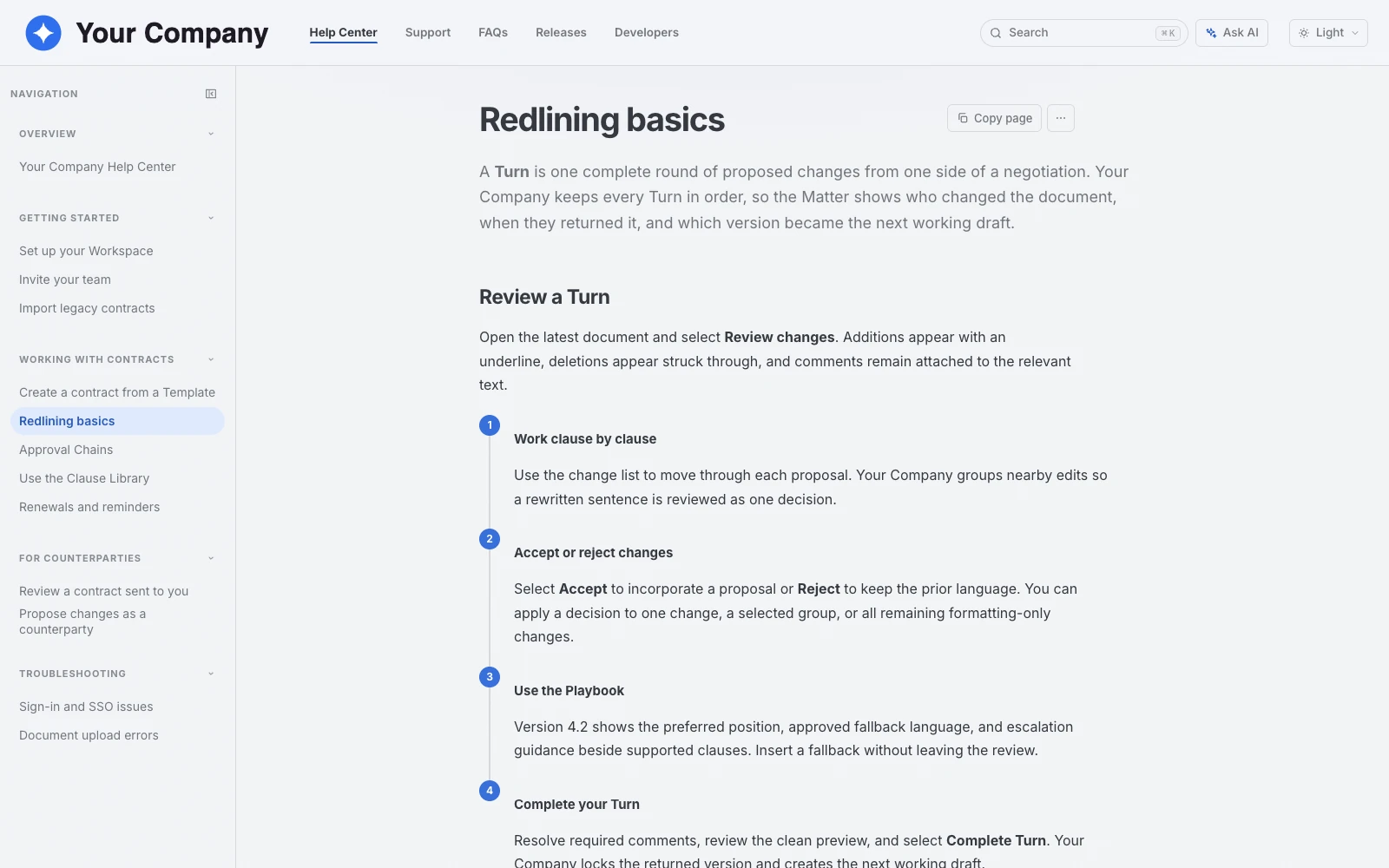
A GraphStaff knowledge hub with search, Ask AI, and protected collections living over one governed source.
The short version of what teams usually want to know before they see GraphStaff in action.
Not exactly, and that is the point. Confluence and Notion are where teams write and store knowledge. GraphStaff is where that knowledge becomes a governed answer for customers, developers, and AI. If you are choosing what your readers and their AI actually get back, this is the comparison.
When your company runs on Jira and needs a deep internal wiki with space-level permissions. GraphStaff does not replace an enterprise team wiki.
When you want one flexible tool to write, plan, and organize internal work. GraphStaff has no block editor or databases; authors publish from their own source.
$500 per month for Docs and Knowledge Hubs. One plan with authentication, Ask AI, MCP, and analytics included. No tiers, no add-ons, no per-user fees.
Bring the question your customers and team ask most. We will show you what a governed answer to it looks like.